
Solutions: QR Codes
A Contactless Dining Experience
To support the needs of aging-in-home Seniors, "SOLUTIONS" articles will be posted from time to time. These articles will focus on specific issues and how technology can be used to make Senior lives more comfortable, safe, and secure.
---------------------------------------
SOLUTIONS: QR Code Dining Menus
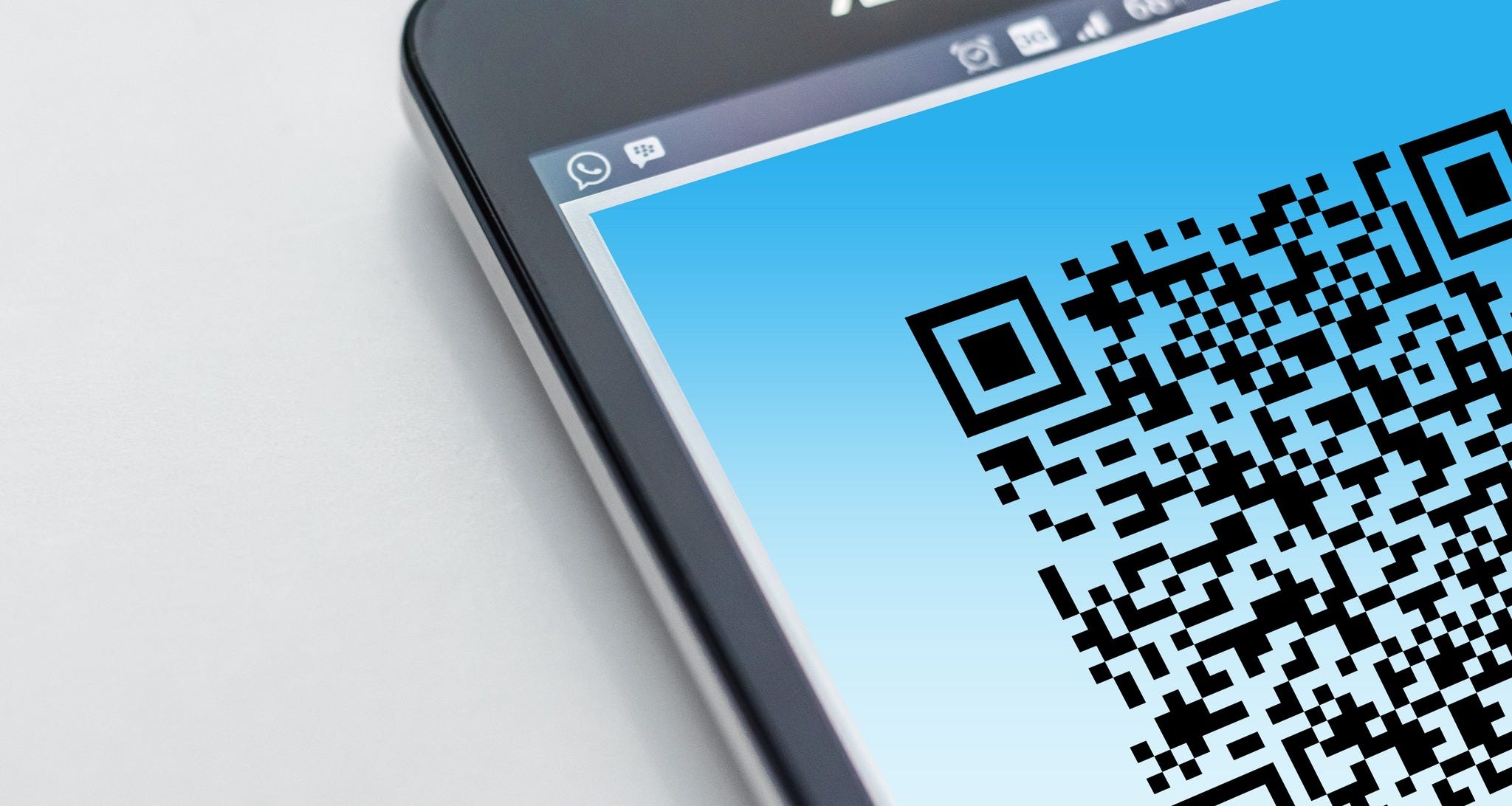
As restaurants have begun reopening again, the CDC has suggested using contactless options like digital payments (instead of cash/credit cards) and digital menus (instead of printed ones) whenever possible. To enable this, restaurants are quickly embracing the use of QR codes (the square-and-dot-filled designs that when scanned, will display information about an item, open a website, or launch an application). Scanning a QR code from a diner's smartphone is a convenient way to view a digital menu, place an order directly, and pay with little interaction from a server.
For older adults frustrated in trying to read menus in dimly lit settings or who struggle with confusing menu options, the switch to using QR codes provides the benefits of a vibrant and descriptive menu that’s easier to view on their phone, it can create chef recommendations based on preferences or can list ingredients/allergy warnings that are specific to the diner. It also allows older diners to leisurely submit order details and pay their dining bill without feeling pressured by a server.
With cost benefits to the restaurant (reduced menu printing costs, not having to disinfect menus after each use, sales efficiency), an improved dining experience for older adults (the ability to engage with the restaurant is easier and more pleasant), and cellphone manufacturers making it easy to scan QR codes with their built-in camera application, providing contactless services like this is likely to become a permanent change.
Apple iPhone: How to scan a QR code
Open the Camera app from the Home screen, Control Center, or Lock screen.
Select the rear facing camera. Hold your device so that the QR code appears in the viewfinder in the Camera app. Your device recognizes the QR code and shows a notification.
Tap the notification to open the link associated with the QR code.
https://support.apple.com/en-us/HT208843
Android: Scan the QR code
On your compatible Android phone or tablet, open the built-in camera app.
Point the camera at the QR code.
Tap the banner that appears on your Android phone or tablet.
Follow the instructions on the screen to finish signing in.
https://support.google.com/accounts/answer/9283368...
Tags: QRCode, #ApplePay, #GooglePay, #contactless, #convenience